
Kristina Monastyrska
Expert Reels.
Blog audience: 87.9K followersSource: supplied Instagram screenshot, received 6 Oct 2026.
Instagram profile ↗
 Message
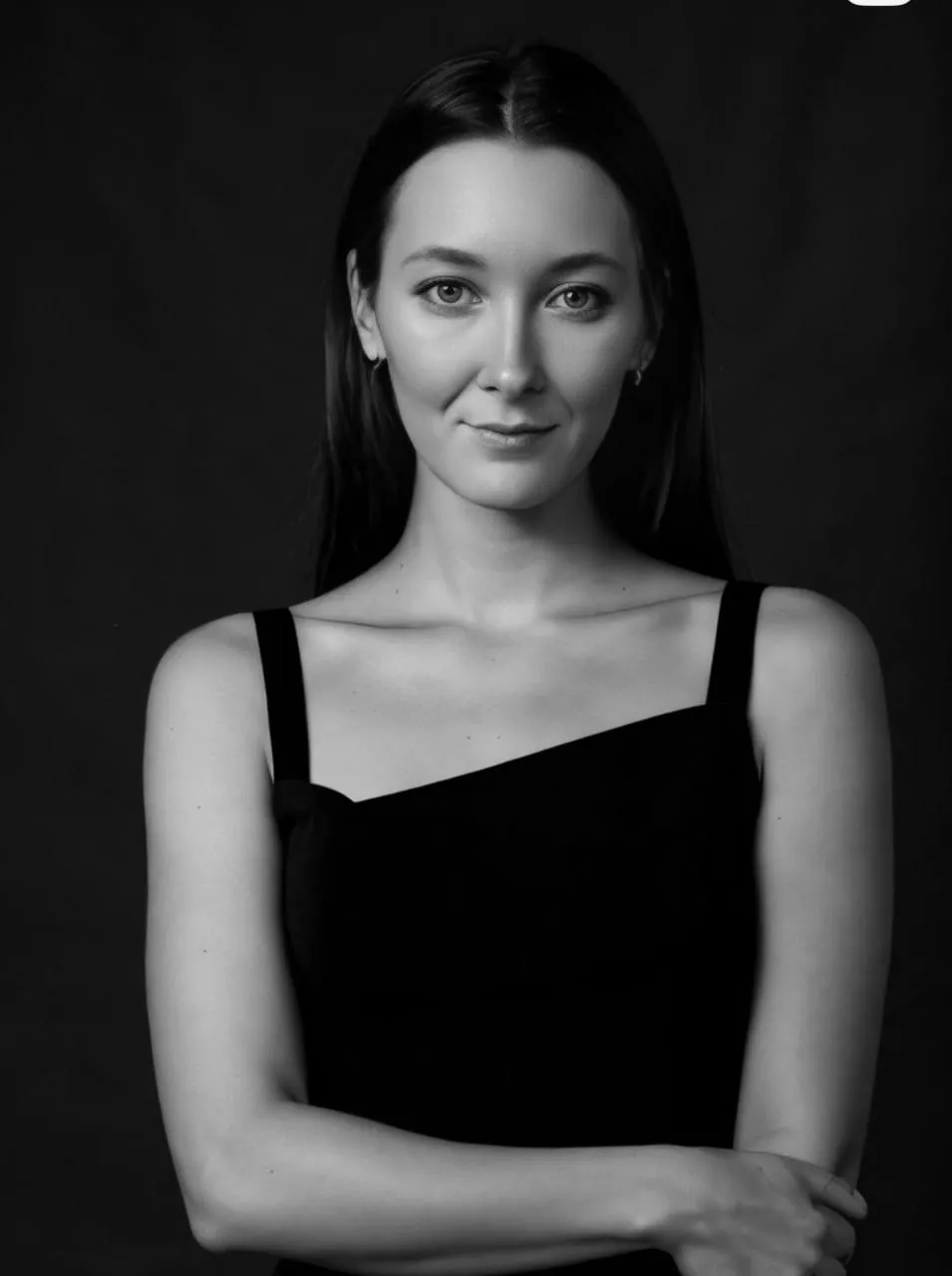
I edit Reels for experts,
creators and brands.
Structure, rhythm, subtitles and sound - turning your footage into a video ready to publish.
Your expertise. My editing.
Content that feels like you.
01 / WORK
Expert Reels.
Lifestyle Reels.

Family farm.

Children's massage.

Cleaning.
Montessori space in Dnipro
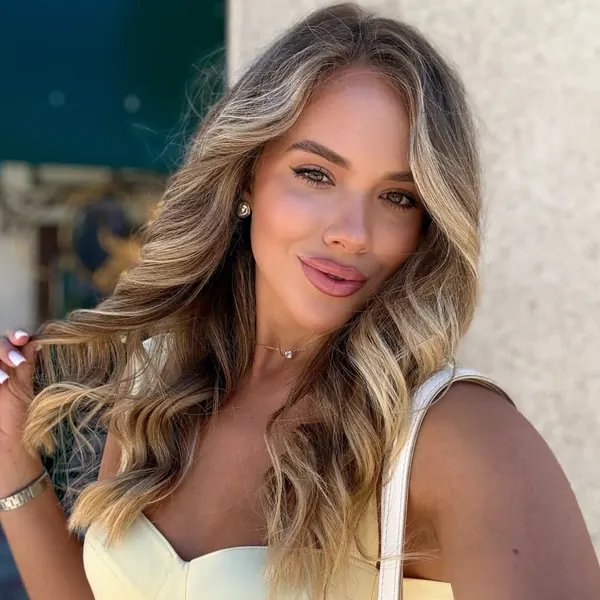
SMM · content.

Cafe · bar.

Handmade bags.

Dog treats.

Travel · cruises.
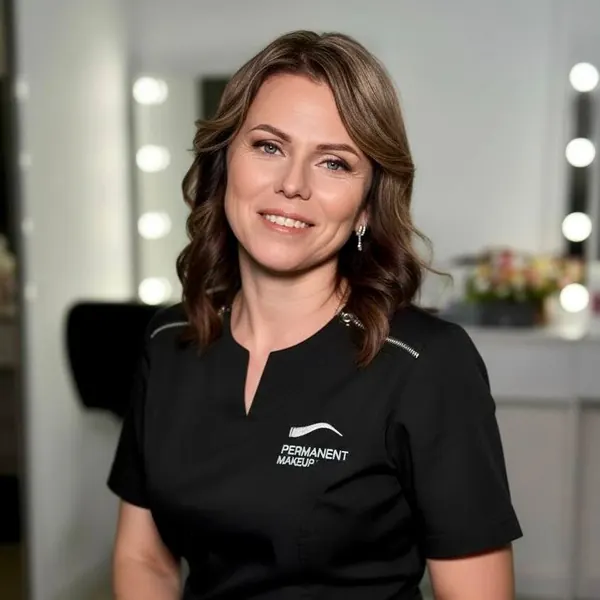
Permanent makeup.
02 / SERVICES
For experts, creators
and brands.
Structure, pacing, subtitles and sound. Your footage, edited into a video ready to publish.
Ideas, videos and carousels that reflect your style and communicate your product's value.
A review of your profile, presentation and content. Practical steps tailored to your needs and goals.
from €25
Videos up to 30 s. Cuts, pacing, subtitles, music.
from €45
Videos up to 1 min. More footage, B-roll, text accents.
from €75
Videos of 1-3 min. Lots of footage, complex transitions, graphics.
We agree on scope, price, deadlines and revisions before work begins.
03 / WORKING TOGETHER
You know your product.
Together, we find how to present it.
We discuss your audience, the video's purpose, your footage and examples you like.
We define the scope, style, price, deadlines and revision terms before work begins.
I work on structure, rhythm, sound and captions. We review the result and any agreed revisions.
You receive the finished file in the agreed format, ready to publish on your profile.
 Nadya Silla
BEHIND EVERY VIDEO IS A PERSON
I'm Nadya. I edit Reels and work on content for brands. Every project starts with the essentials: what you want to say and who you want to reach.
To me, editing is more than transitions. It's a clear idea, the right rhythm and a presentation that feels like you.
Meet me on Instagram04 / FRAME BY FRAME
One issue - one technique.
What happens on screen and how to repeat it.
In an L-cut, the voice from the previous shot carries on over the next one. In Reels, it lets you cut to B-roll mid-sentence: the thought stays whole, and viewers see right away what it's about.
A schematic timeline without sound: the A tracks show where and when audio plays.
Talking to camera: the speaker starts a sentence about a step viewers are about to see in close-up. For now, sound and picture run together.
The picture cuts to B-roll, but the voice keeps going: the speaker finishes the line off screen. The cut lands on the word that names what we see.
The voice runs 1.5 s over the B-roll and completes the thought. Then the detail holds for another 1 s with just the music, so viewers can take it in.
We cut straight back to camera as the next sentence starts: here sound and picture change together, because a new thought begins.
A voice that carries across the cut stitches two shots together: viewers hear one continuous thought, so the change of picture doesn't feel like a jolt. And the B-roll appears exactly when its subject is mentioned - the words get instant proof on screen, and nobody has to wait for the speaker to finish.
Keep the talking-head clip on the main track and put the B-roll on its own video track above it (in the CapCut app, via Overlay), scaled to fill the frame. Start it on the word that names what is shown, 1.5 s before the sentence ends in the example: the voice keeps playing. If the clips sit back to back on one track, turn off Linked Selection in the Premiere Pro Timeline panel, press N for the Rolling Edit tool and drag the cut on the video track left.
A re-hook is a second hook in the middle of a reel: a new question, a change of shot and a sound effect at the same moment. Viewers get a new reason to stay, and the answer waits at the end.
A schematic timeline without sound: the A tracks show where and when audio plays.
The first 2.5 s carry the promise, spoken and on screen: what viewers will learn from the reel. Part one then starts to deliver it.
The first tip with an example on a new shot. Part of the promise is now delivered, so viewers have less reason to stay. The retention chart in reel insights shows exactly where they leave.
All at once: the phrase “But there's a catch”, spoken and on screen, a cut to a new shot and a short sound effect. The effect starts 0.4 s before the cut and ends 0.4 s after it.
Part two builds to the answer: a detail, an example, the process. No new questions here, so viewers keep waiting for the exact answer the re-hook promised.
The answer to the re-hook question comes in the last 3 s, spoken and on screen. The reel ends right after it, with no sign-off dragging it out.
The first hook works while viewers wait for what it promised. Once part of it is delivered, there is less reason to stay. A re-hook raises a new question, and viewers stay for the answer: the tension between question and answer keeps them watching. Instagram says one of its most important predictions for recommending reels is whether someone will watch to the end.
Open the insights of a similar reel you have already posted and find a sharp drop in the retention chart after the first 3 s. Place the re-hook just before it: a 3-6 word phrase that raises a new question (“But there's a catch”, “Now the most important part”), spoken, with the text on screen for 2-3 s. With it, cut to a new shot and add a short sound effect around the cut on its own track. Give the answer at the end and finish the reel right after it.
The Reels safe zone is the part of the frame that the Instagram interface leaves clear. We place the hook, subtitles and call to action so the post caption, audio label and buttons don't hide them.
A schematic timeline without sound: the A tracks show where and when audio plays.
The first 3-5 words sit just below the top 14% of the frame, more than 270 px down from the top edge. Guides to Meta ads advise keeping this strip free of text.
Subtitles run centered, their bottom edge no lower than 1,248 px from the top. For Reels ads, Meta advises keeping the bottom 35% free of text: that is where the post caption, audio label and call-to-action button sit.
After the cut to the detail shot, the main object also sits above the bottom zone and away from the right edge with its buttons. For Reels ads, Meta advises keeping the bottom 35% free of text, logos and other key elements.
The closing call to action sits in the center of the frame in large type and stays for the last 3 s. Lower down, the post caption and audio label would cover it.
Instagram lays its interface over every reel: the post caption and audio label at the bottom, the like, comment and share buttons on the right. Text underneath is hard to read or hidden entirely. The benchmark is Meta's advice for Reels ads: keep the bottom 35% of the frame free of text, logos and key elements. Guides to Meta ads add the top 14% and 6% on each side.
Make a template: a transparent 1080 x 1920 px PNG with the top 14% (269 px), the bottom 35% (672 px) and 6% on each side (65 px) marked in a semi-transparent color. Add it as a separate full-frame layer for the whole reel: in the CapCut app via Overlay; in CapCut desktop, Premiere Pro and DaVinci Resolve on a track above the video. Place the text in the clear area, away from the buttons on the right, then hide or delete the template before export.
05 / BEFORE WE START
Send a description of your project, a link to your profile and a sample of your footage via Telegram. We'll discuss what can be done and how much editing is needed.
We'll start with a consultation to explore your product, audience and goals. Then we'll identify topics and formats worth trying.
Reels editing starts from €25 for videos up to 30 s, €45 up to 1 min and €75 for 1-3 min. I confirm the exact price after seeing your footage, before work begins.
We agree on the delivery date and revision terms before work begins. If you need the video by a specific date, include it in your first message.
Yes. You share your footage online, and we discuss the details and results by message. We agree on the consultation format separately.
Footage, an idea or a question - let's start a conversation.